
It’s 2:47 PM on a Tuesday. Your team merges a “small” change, the pipeline runs, and kubectl rollout status shows the new pods are ready. Ten minutes later, support tickets start flooding in: the checkout page is throwing errors. You scramble to find the last good image, roll back, and apologize to customers. Sound familiar?
If you run Kubernetes on a lean SMB team, this is the deployment lottery — and you’re losing more often than you think. The default Kubernetes Deployment rolling update is a blunt instrument: it swaps pods with zero traffic analysis, zero automated quality checks, and no way to abort before the damage spreads.
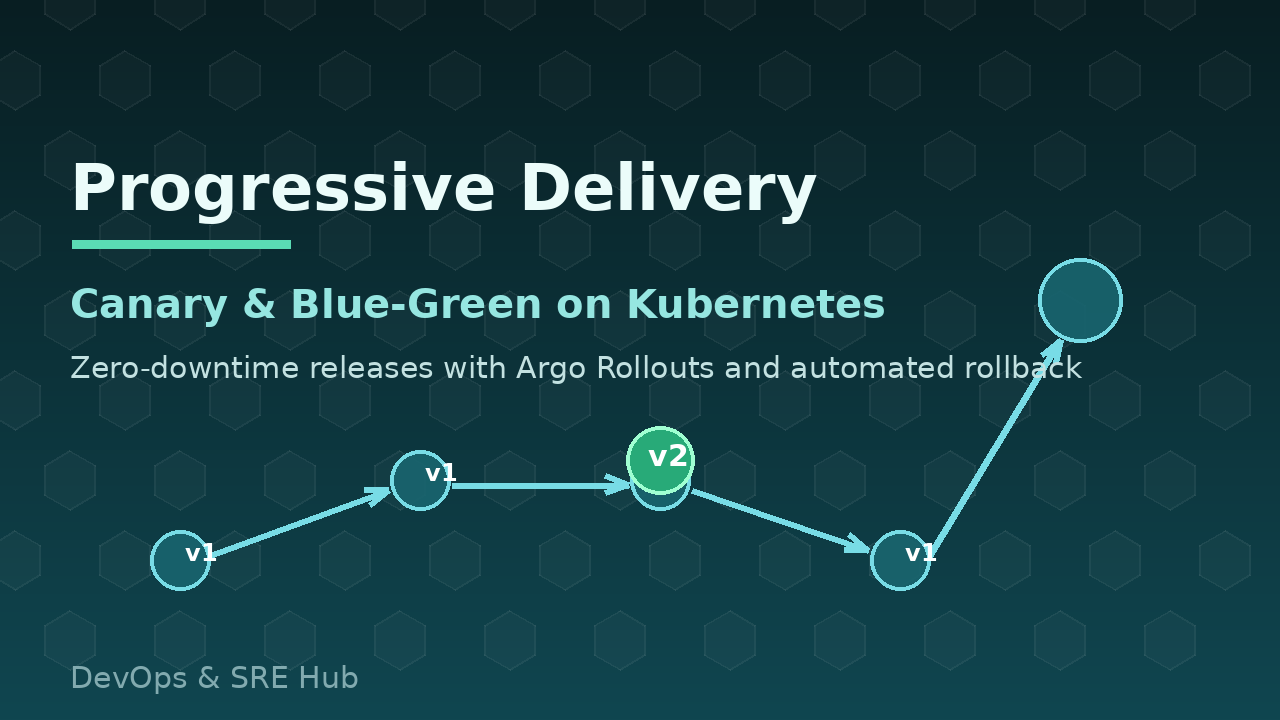
There is a better way. Argo Rollouts brings progressive delivery — canary and blue-green deployments with automated analysis and rollback — to any Kubernetes cluster, with open-source tooling and no service mesh required. Here’s how to stop crossing your fingers and start shipping safely.
The Problem: Kubernetes Rolling Updates Are a Coin Flip
Let’s be precise about why a standard Deployment is risky. When you update a Deployment, the ReplicaSet controller slowly replaces old pods with new ones, governed by maxSurge y maxUnavailable. What it does not do:
- No traffic analysis. As soon as a new pod is “Ready” (a TCP or HTTP probe passed), it receives full production traffic — even if the app is returning 500s on real requests.
- No automated rollback. If the new version is broken, the rollout “completes” anyway. Recovery means a human noticing, finding the previous image, and triggering another deploy — all while the incident is live.
- No gradual exposure. There is no “send 10% of users to v2, watch for 5 minutes, then continue.” It’s all-or-nothing, fast.
For SMBs this is existential. One bad deploy of a payment or auth service can mean hours of downtime, chargebacks, and lost customer trust. The process-level fixes in our Safe Deployment Pipeline guide — quality gates, staging, rollback runbooks — are necessary. But they don’t solve the mechanics of how the new version reaches production. That’s what Argo Rollouts fixes.
The Fix: Progressive Delivery with Argo Rollouts
Argo Rollouts is a Kubernetes controller and CRD that replaces your Deployment with a Rollout resource. It supports:
- Canary deployments with weighted traffic steps and pauses between them.
- Blue-green deployments with an instant, service-level switch and rollback.
- Automated analysis: during a canary step, it queries Prometheus, Datadog, CloudWatch, or a webhook, and aborts the rollout automatically if metrics go bad — no human in the loop required.
- Traffic splitting via ingress controllers (NGINX, Traefik) or service meshes (Istio, Linkerd), but also works with plain Services if you just want pod-weight-based canaries.
It’s a single controller install — one binary, one namespace — and it drops into existing GitOps workflows. If you already use GitOps, Argo CD even understands Rollouts natively and can visualize the canary progress in the UI.
Hands-On: Canary with Automated Analysis in 20 Minutes
Install the controller and the kubectl plugin:
# Install the controller
kubectl create namespace argo-rollouts
kubectl apply -n argo-rollouts -f https://github.com/argoproj/argo-rollouts/releases/latest/download/install.yaml

# Install the kubectl plugin
curl -LO https://github.com/argoproj/argo-rollouts/releases/latest/download/kubectl-argo-rollouts-linux-amd64
chmod +x kubectl-argo-rollouts-linux-amd64
sudo mv kubectl-argo-rollouts-linux-amd64 /usr/local/bin/kubectl-argo-rollouts

# Verify
kubectl argo rollouts version
Now define a Rollout — notice the strategy section, the heart of progressive delivery:
apiVersion: argoproj.io/v1alpha1
kind: Rollout
metadata:
  name: webapp
spec:
  replicas: 4
  selector:
    matchLabels:
      app: webapp
  template:
    metadata:
      labels:
        app: webapp
    spec:
      containers:
        - name: webapp
          image: yourregistry/yourorg/webapp:v2
          ports:
            - containerPort: 8080
  strategy:
    canary:
      steps:
        - setWeight: 25
        - pause: {duration: 5m}
        - analysis:
            templates:
              - templateName: webapp-success-rate
        - setWeight: 50
        - pause: {duration: 5m}
        - setWeight: 75
        - pause: {duration: 5m}
This rollout sends 25% of traffic to v2, waits five minutes, then runs an automated analysis before continuing to 50%, 75%, and finally 100%. The analysis template defines what “healthy” means — here, a 99% success rate measured from Prometheus:
apiVersion: argoproj.io/v1alpha1
kind: AnalysisTemplate
metadata:
  name: webapp-success-rate
spec:
  metrics:
    - name: success-rate
      interval: 1m
      successCondition: result[0] >= 0.99
      failureLimit: 3
      provider:
        prometheus:
          address: http://prometheus.monitoring:9090
          query: |
            sum(rate(http_requests_total{app="webapp",status=~"5.."}[2m]))
            /
            sum(rate(http_requests_total{app="webapp"}[2m]))
Deploy it and watch the magic — with the plugin’s dashboard:
# Apply the Rollout
kubectl apply -f rollout.yaml

# Watch the canary progress in a terminal dashboard
kubectl argo rollouts get rollout webapp --watch

# Manually promote past a pause (or just wait for the duration)
kubectl argo rollouts promote webapp

# The moment metrics go red: automatic abort
kubectl argo rollouts get rollout webapp
# Status: DEGRADED — the controller has already scaled v2 back down
That last point is the whole game: when the success rate drops below 99% three times, the controller aborts by itself. No pager, no 2 AM heroics — the old version keeps serving the remaining traffic while the rollout reverses.
Blue-Green: When You Need Instant Rollback
Some workloads — migrations with a schema change, third-party integrations, compliance-sensitive releases — benefit from a full fleet of the new version behind a service switch. That’s blue-green:
apiVersion: argoproj.io/v1alpha1
kind: Rollout
metadata:
  name: api-gateway
spec:
  replicas: 3
  selector:
    matchLabels:
      app: api-gateway
  template:
    metadata:
      labels:
        app: api-gateway
    spec:
      containers:
        - name: api-gateway
          image: yourregistry/yourorg/api-gateway:v2
  strategy:
    blueGreen:
      activeService: api-gateway-active
      previewService: api-gateway-preview
      autoPromotionEnabled: false   # require a human "promote"
v2 comes up fully in the preview service. You test it, run your checks, then run kubectl argo rollouts promote api-gateway to flip the active service. If anything is wrong, rollback is a single command — the active service points back at v1 instantly, which beats any “rollback = redeploy” loop. Pair this pattern with zero-downtime database migrations and your releases stop being scary events entirely.
Doing It Right: GitOps, Alerts, and Team Habits
Progressive delivery is a tool, not a silver bullet. To make it stick on a small team:
- Put Rollouts under GitOps. Declare the Rollout in Git, let Argo CD sync it, and treat rollbacks as Git reverts — never
kubectl editin production. - Alert on rollout health. Watch
rollout.status.abortyDegradedconditions; a stuck canary should page someone before customers notice. - Start with the 25% step. Even one analysis gate catches the majority of bad releases. You can add finer steps as your confidence grows.
- Keep releases small and frequent. A canary of a tiny diff is boring — which is exactly what you want.
Your Kubernetes deploys don’t have to be a coin flip. With Argo Rollouts, a two-person DevOps team can ship like a platform org: gradual exposure, automated verification, and rollback that happens in seconds instead of fire drills.
Want help designing a safe deployment strategy for your cluster — or setting up Argo Rollouts, analysis templates, and the surrounding alerting? Book a free consultation with our team and let’s make your next deploy the boring one.
 Español
  English